

.svg)
Shipwell AI Studio
AI Workers for Logistics, Built to Work Your Way
Teams use Shipwell AI Studio to create and deploy AI Workers that take action across their transportation operation. Start with Shipwell-certified Workers or design your own using transportation-specific skills, tools, knowledge, and integrations.
Shipwell knows freight. You know your operation. AI Studio brings the two together.

AI Workers for the Thousands of Tasks Behind Every Shipment
Transportation teams don’t have a shortage of things demanding their attention. Each AI Worker starts with baseline knowledge for its role, so your team doesn’t have to start from scratch. And since no two operations run exactly the same way, you can configure each Worker around your own rules and workflows.

Enhanced Visibility
IoT devices provide constant tracking and logging, greatly improving the transparency of all logistics-related processes
Increased Efficiency
Eliminate the need to toggle between multiple systems. With everything centralized in the Shipwell platform, teams save time, reduce manual effort, and streamline workflows
Improved Decision-Making
Access to real-time data allows for faster decision-making processes, elimination of delayed dangers, and an increase in overall productivity
Risk Mitigation
Proactively address potential issues by monitoring storage conditions and ensuring compliance with safety standards, thereby reducing the risk of product loss or damage
Sustainability
Optimize routes and reduce fuel consumption, contributing to lower carbon emissions and a more environmentally friendly supply chain
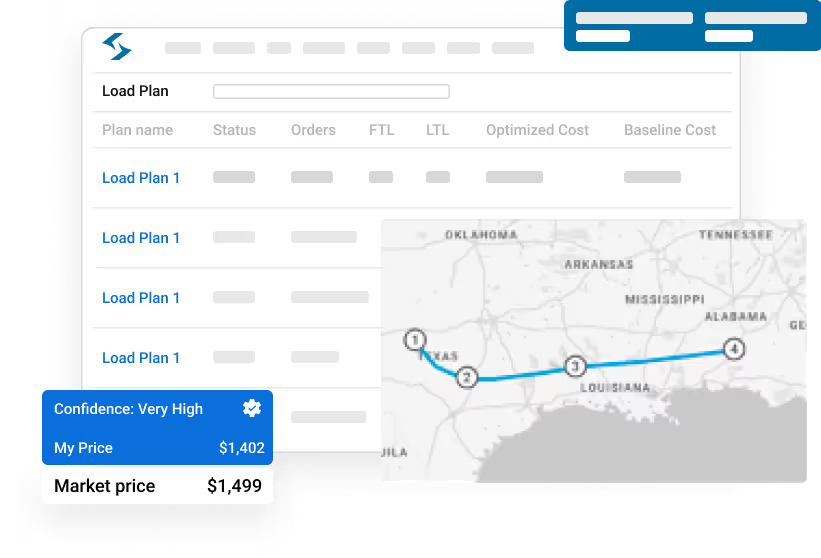
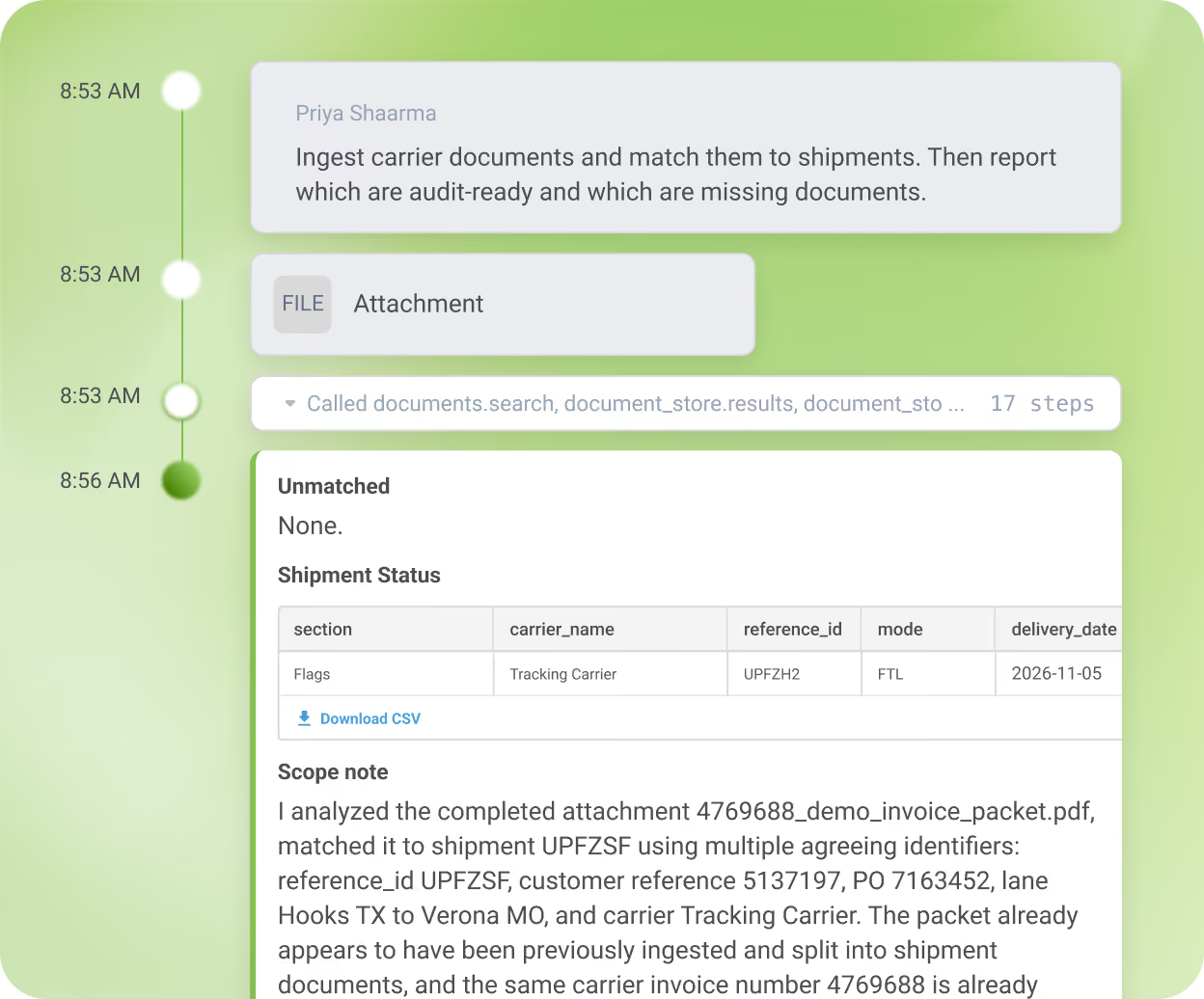
Settlement Worker
Make sure every shipment is ready to pay, with 1% to 5% of shipping spend recovered.
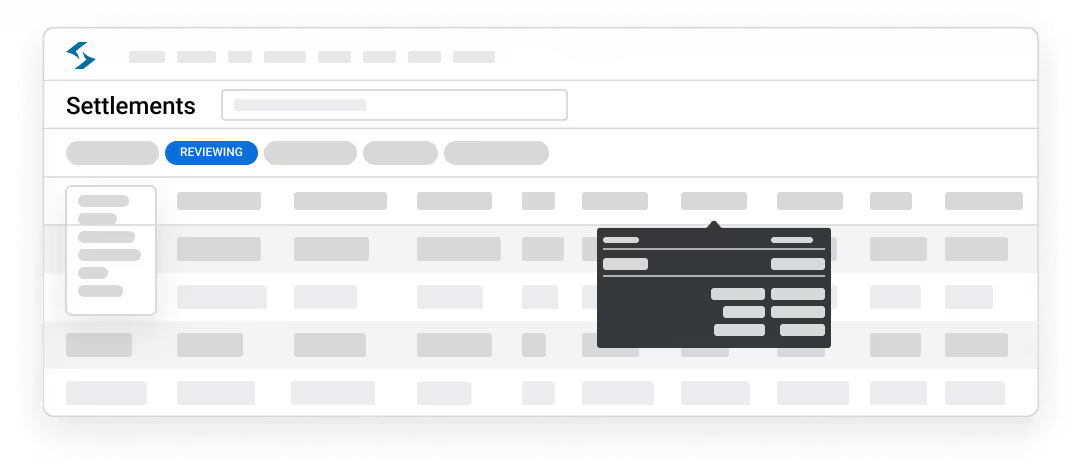
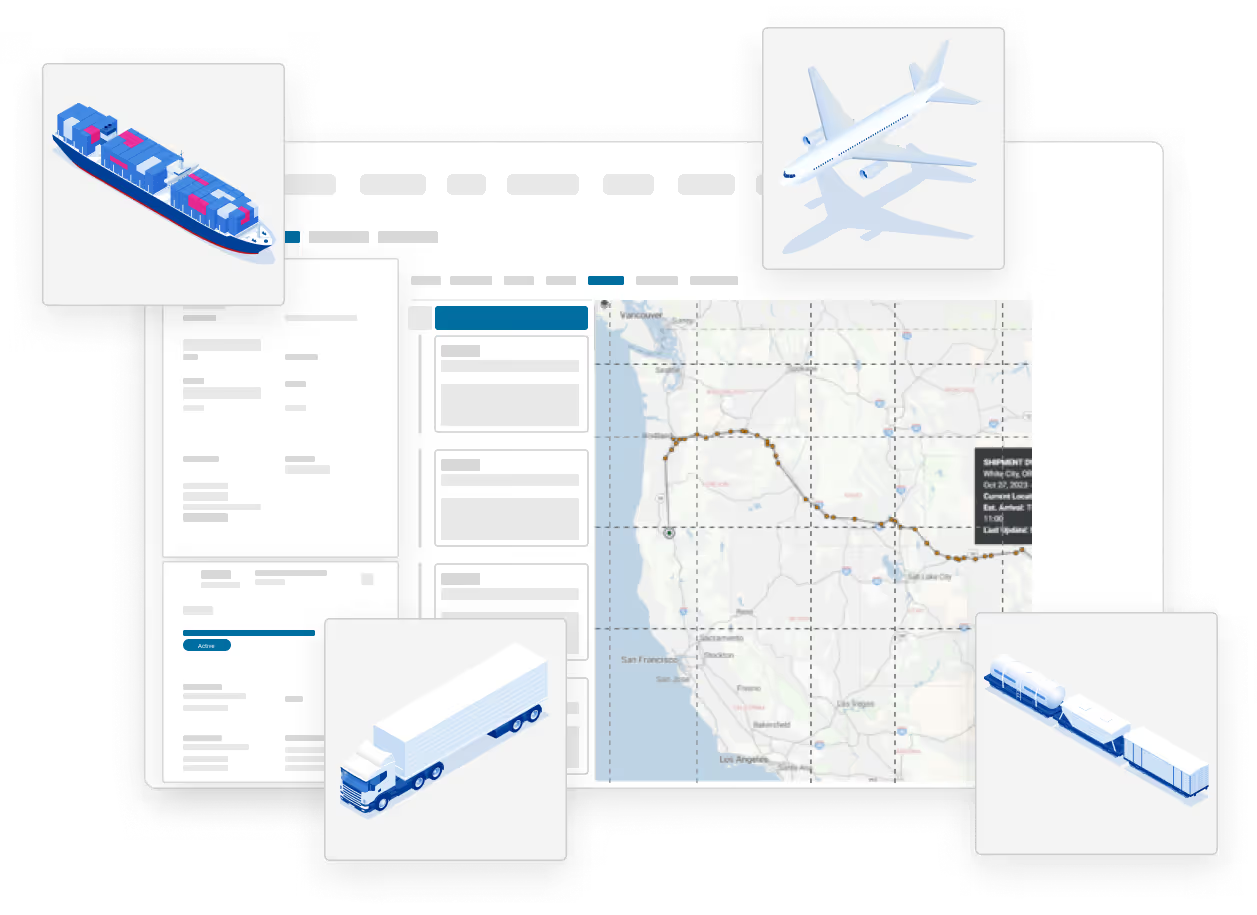
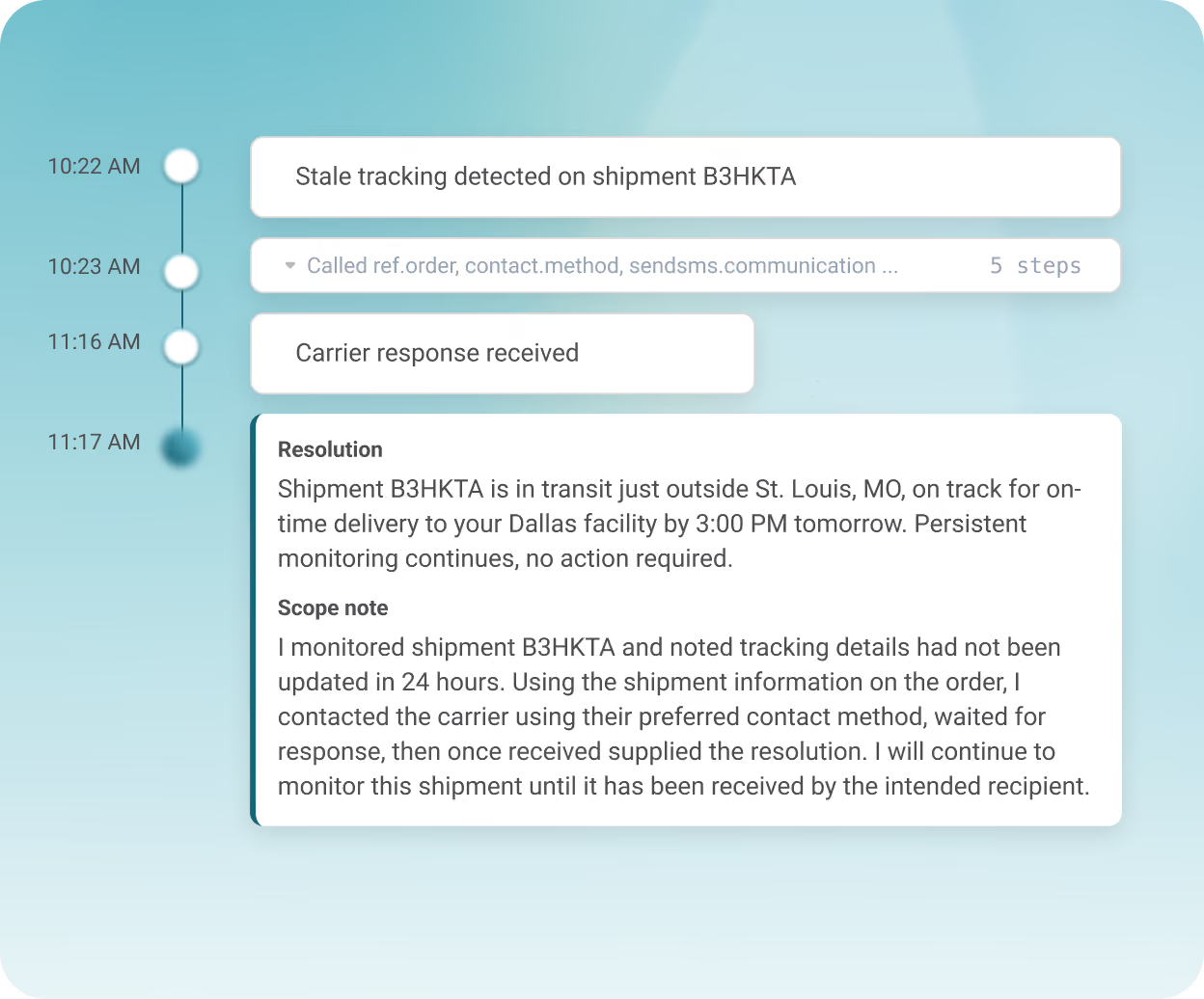
Track & Trace Worker
Find the shipments that actually need attention, with up to 70% less manual tracking work.
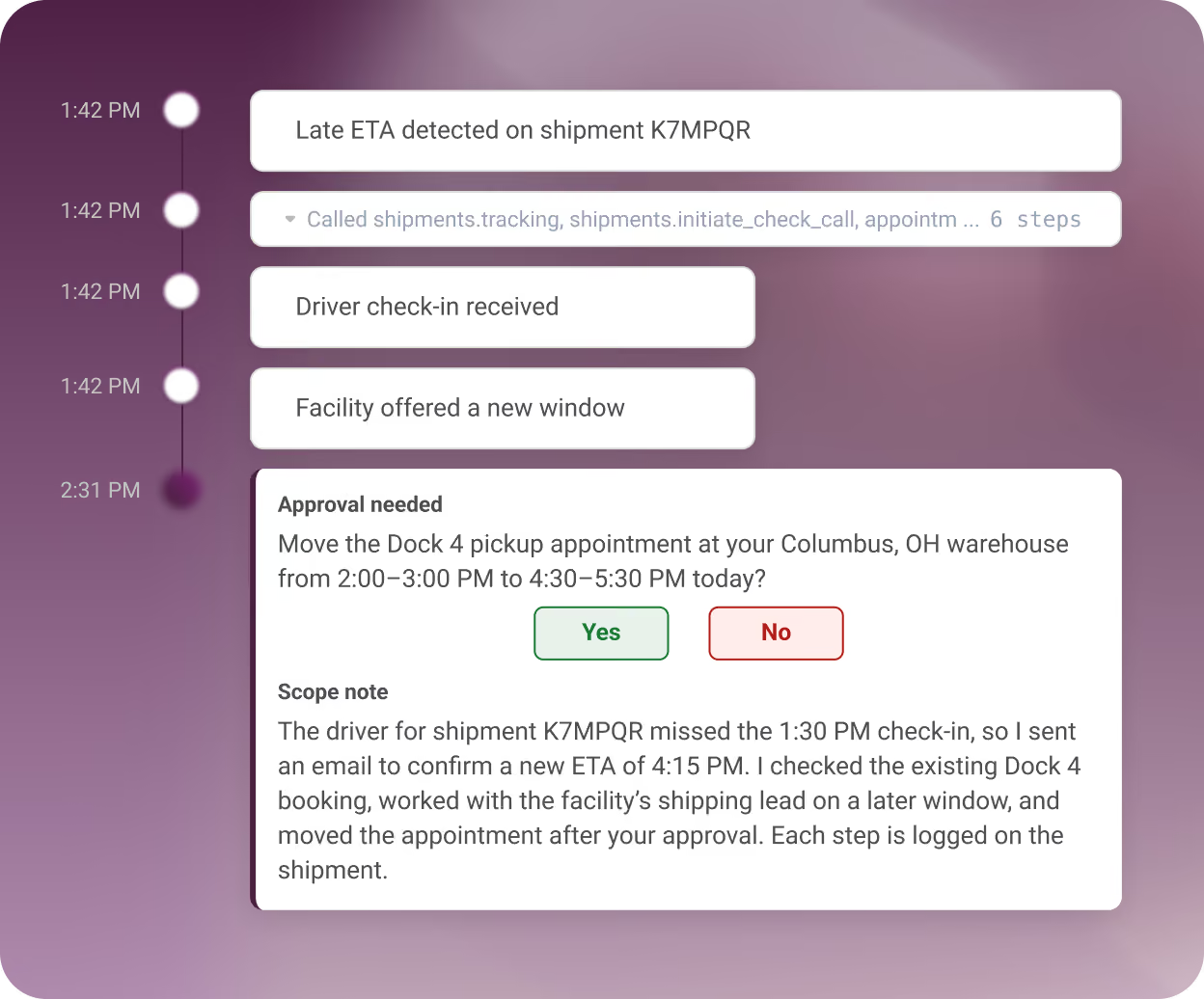
Appointment Scheduling Worker
Keep appointments moving without managing every change, with 10 minutes saved per booking.
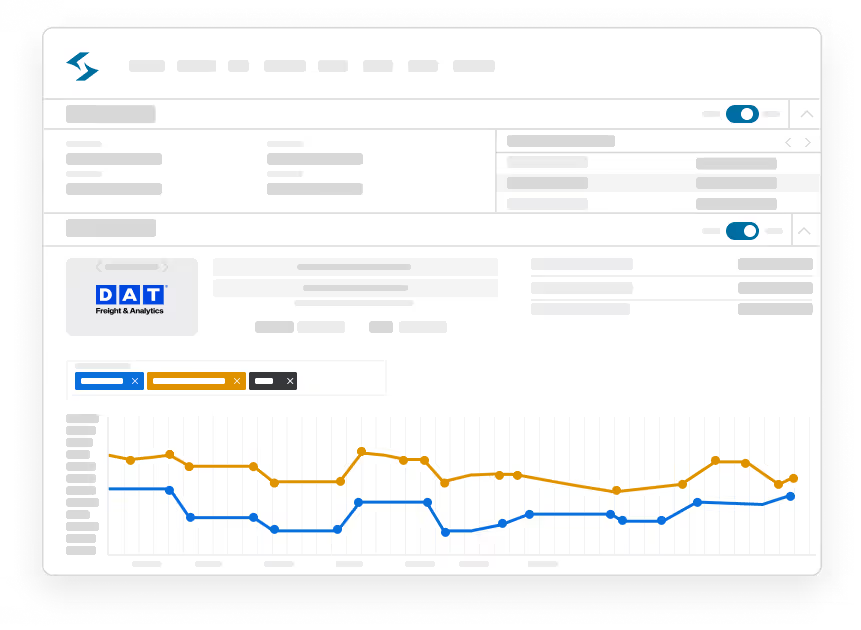
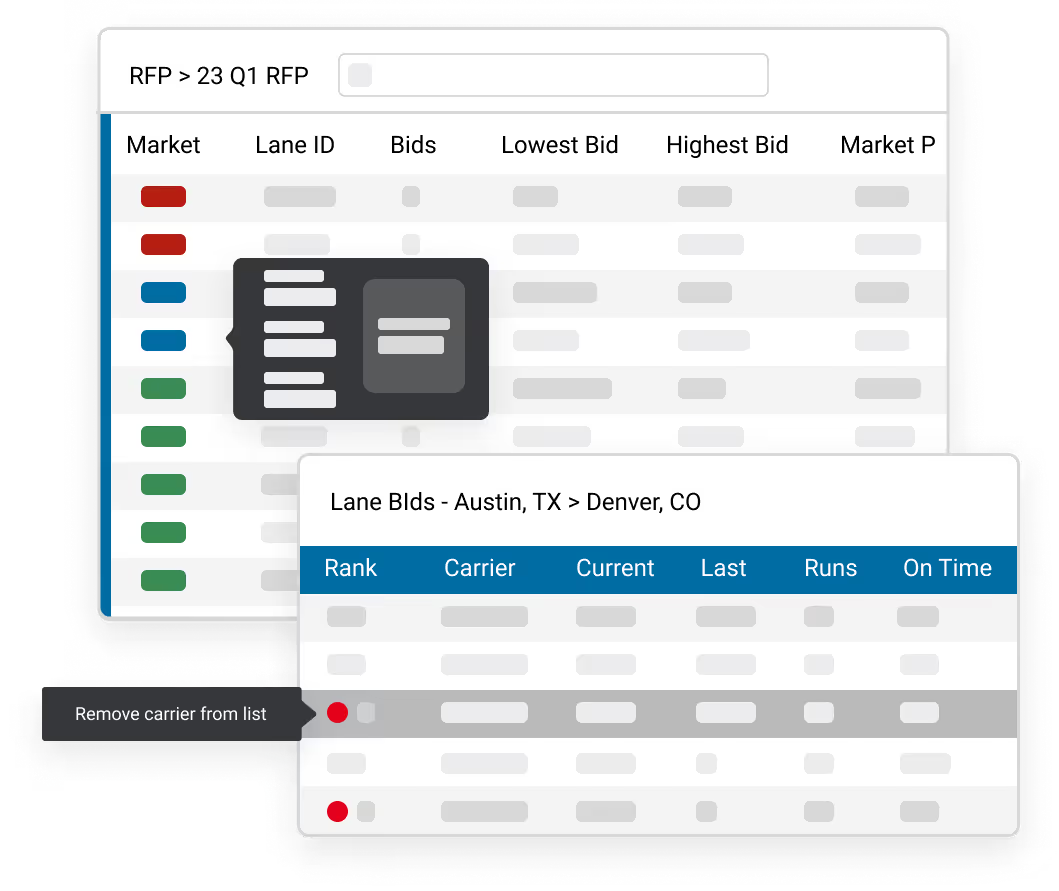
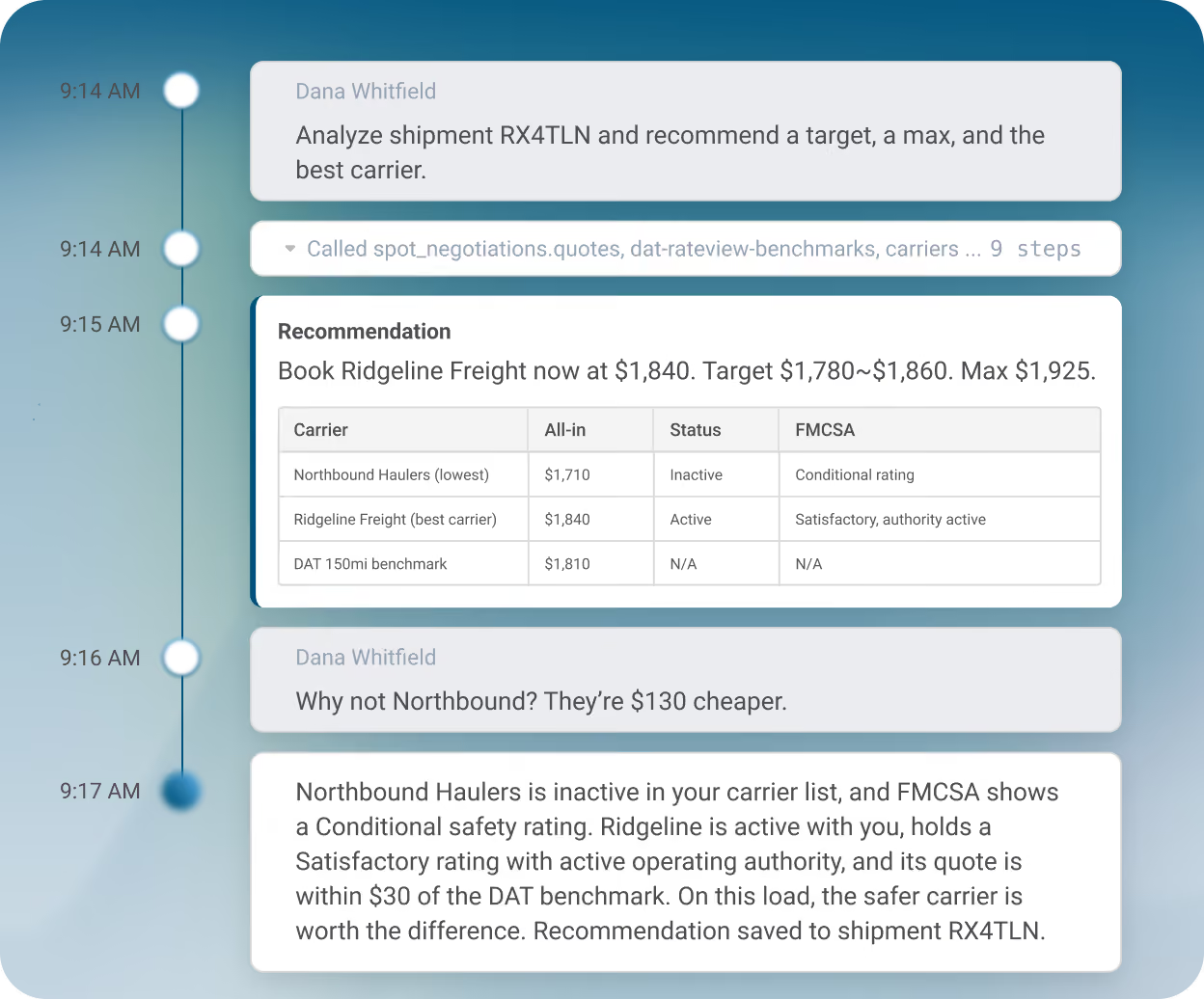
Pricing Analyst Worker
Know your target rate before you tender, with 30+ hours saved per 200 loads priced.
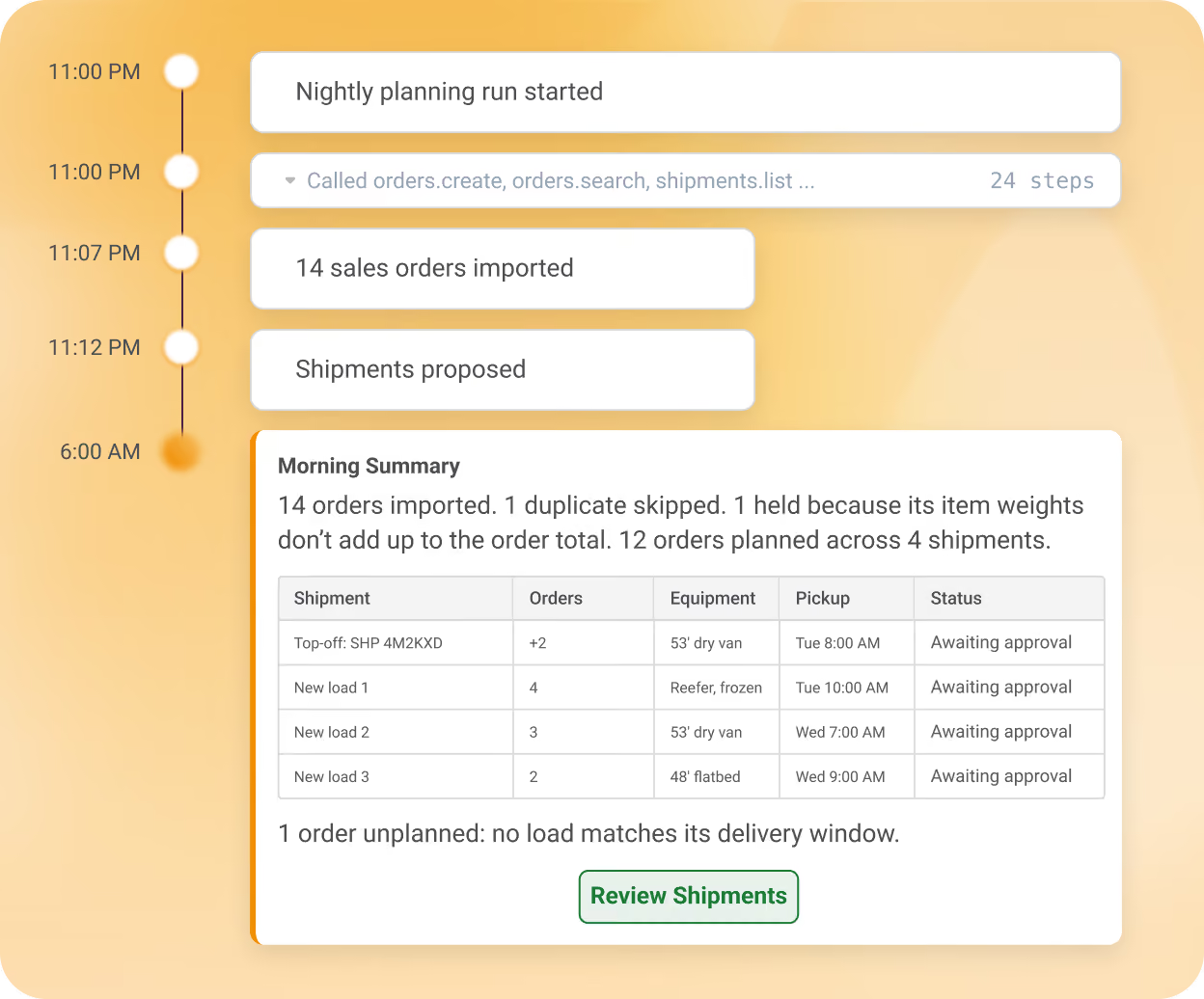
Logistics Planner Worker
Turn orders into shipments overnight, with 5+ minutes saved on every order planned.
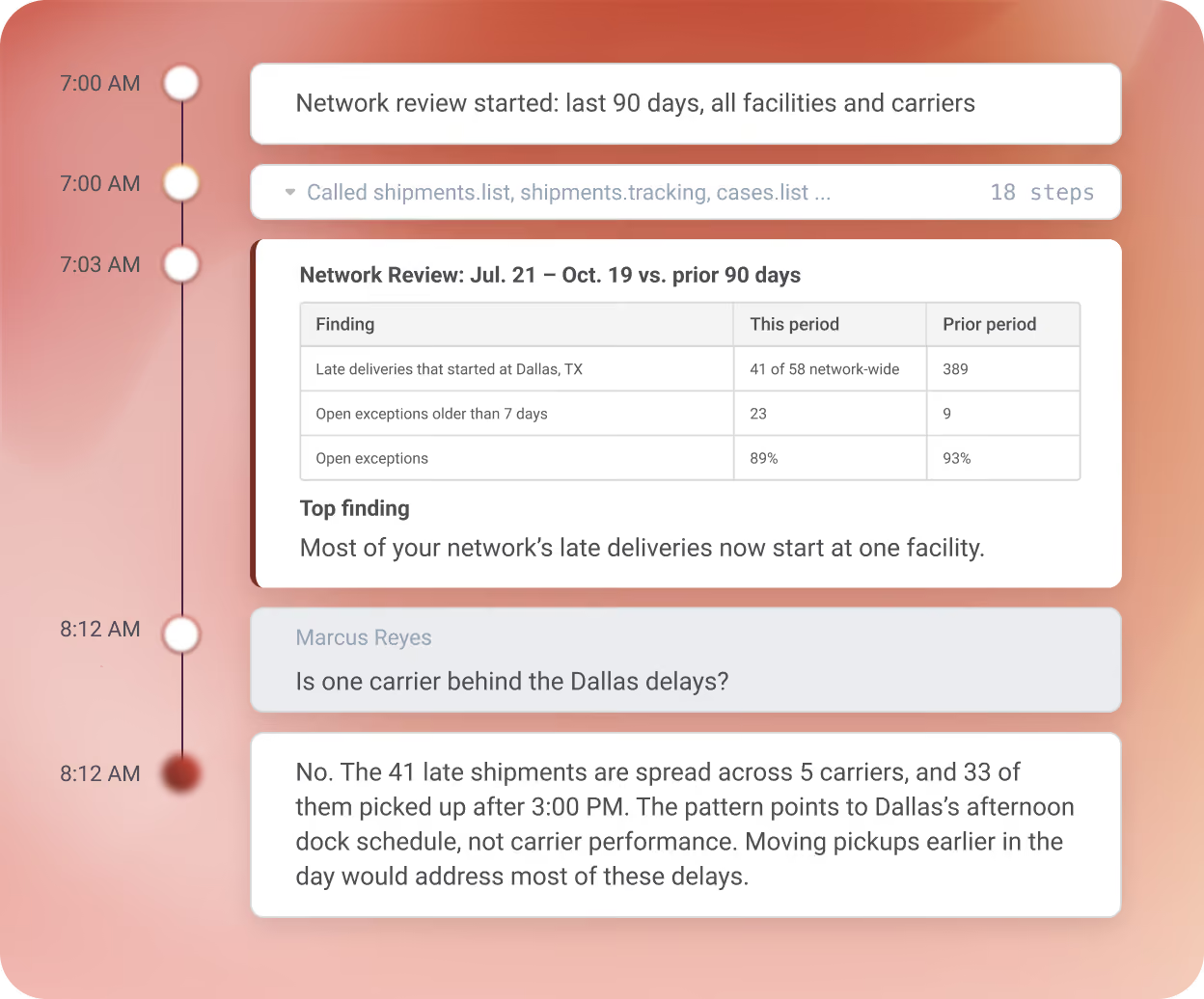
Insight Generation Worker
Spot the patterns and risks across your operation, with 3+ hours saved on weekly reviews.
Built for the People Running Transportation
AI Studio brings something different to every part of your transportation organization. Whether you're trying to give your team more capacity, automate a workflow that's been difficult to solve, or scale without adding more manual effort.
For Operations Leaders
Take repetitive follow-up and exception handling off your team's plate so they can focus on more important matters.

For TMS Admins & IT
Build around your workflows, connect the tools your team already uses, and control what each Worker can access and do.

For Supply Chain Executives
Give your operation more capacity to handle growing volume without adding manual effort at the same pace.

You Decide What Every Worker Can Do
Workers take real action, like updating shipment records and uploading documents. Your team sets the limits on every one of them, from data access to which actions need a person's approval.

Update Shipments and Records Directly
Read and write through Shipwell’s API, only where you allow


Handle the Paperwork
Document AI extracts, matches, and uploads rate confirmations, PODs, and invoices

Communicate Where Work Happens
Updates to carriers, customers, and your team in the channels you already use

Connect the Tools You Depends On
Third-party apps, internal APIs, and MCP servers

Publish Only What Passes Validation
Skills that fail access or safety checks can’t go live
Roll Back Any Change
Edited Skills pause live Workers until they pass validation again

Approve the Moves That Matter
Require sign-off on any action you choose

See What Your Workers Are Doing
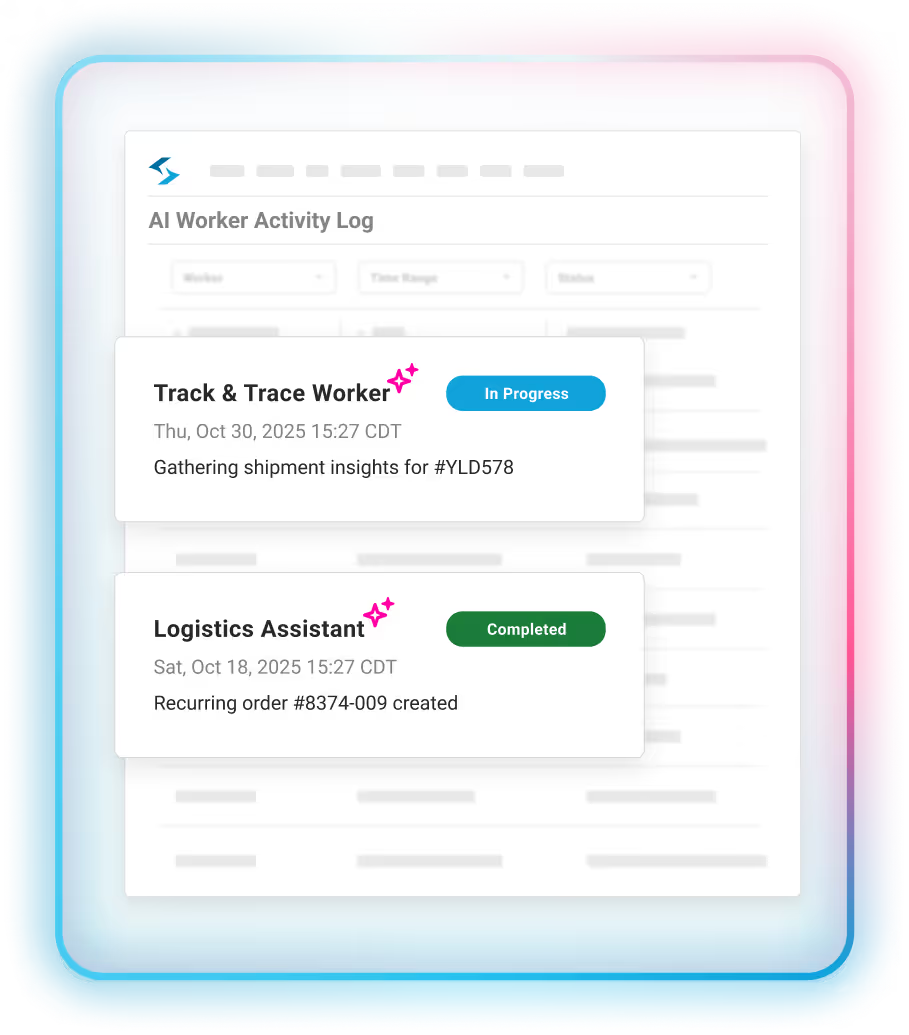
Every run logged, step by step
An AI Agent Builder for Supply Chain Teams
If your team already knows which job it would hand off first, AI Studio turns that knowledge into a working Worker in minutes. The people who know the workflows are the ones who build it.

Choose a starting point.
Duplicate a certified Worker that's close to what you need, or describe a new one in plain language, like "Email the customer whenever a delivery is running more than two hours late."
Teach it how your team works.
Add your operating proceedures, customer requirements, and business rules, then pick the tools and channels the Worker should use.
Turn it on for your team.
Publish the Worker and choose who on your team can work with it.
Fine-tune it for your operation.
Adjust how the Worker handles edge cases and reports back so it works the way your team needs it to.
No services engagement, no engineering sprint, and no waiting for a vendor roadmap to reach the workflow that matters most to you.
Built for freight. Configured for yours.
How AI Workers Compare to Other Logistics Workflow Automations
Transportation teams don't have a shortage of software, but they still have a lot of work. Rules-based automation handles the predictable steps, then stops the moment a load doesn't follow the rule.
Agentic AI workers for logistics pick up where those rules leave off. They gather information, work through the exception, and take the next step within the limits your team sets.
What Would You Hand Off First?
If you could hand off one part of your transportation operation to an AI Worker tomorrow, what would it be? Bring that workflow to a demo, and we'll show you what an AI Worker could do with it.
Frequently Asked Questions
What are AI workers for logistics?

AI workers for logistics are AI agents assigned to specific transportation jobs, like auditing freight invoices, tracking shipments, or rebooking dock appointments. As agentic AI workers for logistics, they take action on their own: updating shipment records, processing documents, and contacting carriers within the limits your team sets. Shipwell AI Studio is where teams deploy certified Workers and build their own.
How are AI Workers different from logistics workflow automation?
Traditional logistics workflow automation follows predefined rules, which works until a shipment doesn't follow the script. AI Workers can gather information, work through an exception, and take the next step within limits you define, bringing in a person when judgment is needed. Many teams use both, with rules handling the predictable steps and AI Workers handling the variable ones.
Which AI Workers are currently available in Shipwell AI Studio?
AI Studio launches with six certified Workers: Settlement, Track & Trace, Appointment Scheduling, Pricing Analyst, Logistics Planner, and Insight Generation. Each one comes ready for its transportation job, and your team configures it around your own rules, carriers, and approval steps.
Do I need Shipwell's TMS to use AI Studio?
No. AI Studio is available as a standalone module; you don't need to purchase the complete Shipwell platform to get started. Your shipment data needs to flow into Shipwell so Workers have the context to act. Teams already on Shipwell's TMS get AI Studio fully integrated.
How long does it take to build an AI Worker?
Most teams can get a Worker running in minutes by duplicating a certified Worker or describing a new one in plain language. Fine-tuning usually takes a few hours, as your team adjusts how the Worker handles edge cases and the format it reports back in. Because AI Studio is built for the people who know the workflow, creating a Worker doesn't require an engineering project.
Which communication channels can AI Workers use?
AI Workers can communicate through a virtual inbox, Shipwell Messaging inside the platform, Gmail, Outlook, Slack, Microsoft Teams – almost any method you already use. Your team chooses which channels each Worker uses for carriers, customers, and internal updates. Anyone with access to a Worker can also chat with it directly to check its progress, approve an action, or hand it a new task.
How do I control what an AI Worker can do?
Your team decides which Shipwell data each Worker can read or change, and which actions need a person's approval first. Every Skill is validated before it's published, a live Worker pauses automatically if one of its Skills changes, and every run is recorded in the activity log. You can also stop a Worker mid-run or restore an earlier version at any time.
How does AI Studio protect my data?
AI Studio runs on Shipwell's SOC 2® compliant platform. Workers can only reach the data and actions your team grants them, and every action is recorded in the activity log, so you can always see what a Worker did and when. For more information on our SOC 2® certification, view our Trust Center.

Shipwell is an AI transportation platform that turns logistics operations into systems of action. We give shippers & their teams the tools to run intelligent, resilient supply chains.