.svg)


January 3, 2019
Add a Contact Notification for Stops

.png)

Notifications on a stop
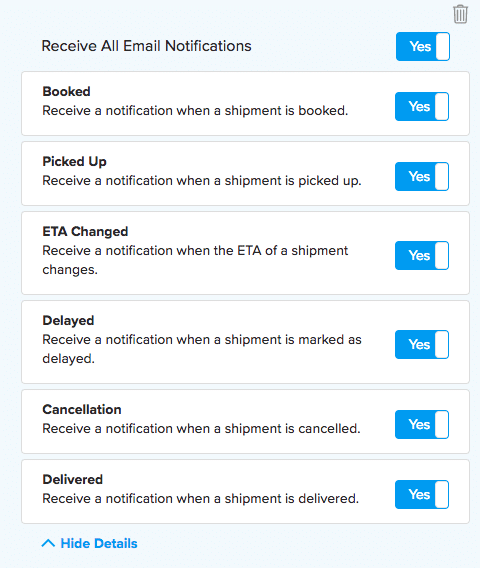
For each stop of a shipment, you can specify a point of contact and what notifications that person should receive. When shipment events occur (such as pickup, delays, or delivery), a notification can be sent to the email listed if that option is enabled.
You can add a contact notification just before you book a shipment on the Confirm Details page.

You may also customize the types of notifications they receive.
You can add a contact notification on the Shipment Details page after you book a shipment.

The Shipwell editing team brings together experienced experts in shipping, software, and communications to provide actionable insights that help shippers succeed.
Frequently Asked Questions
No items found.